AI products for your business
Make time for
what’s next.
Answer the calls you miss. Keep social content moving. Connect the work between your tools. Start with one useful product and build a better way to work.
Start with one job.
We’ll help you choose where it makes sense.
 After Hours / Concept preview
Find your starting point
What would you like to do?
After Hours can answer common questions and take a message when you can’t pick up.
Explore After HoursCan’t pick up?Let After Hours answer.
After Hours is an AI phone assistant for when you’re busy or closed. It uses the business details you provide to answer common questions, find out what callers need and take a message.
Answer common questions
Share your hours, services and other details you’ve provided.
Take a useful message
Record who called, how to reach them and what they need help with.
Leave the right questions to your team
We agree with you on what the assistant can answer and what needs a callback.
Shops, trades and service businesses that miss calls while working or after closing.
Customer“You’re closed, but can I ask about a service?”
Agent Wire“Of course. Tell me what you need help with, and I’ll explain the options.”
The caller gets help even though the business is closed.
Show up consistently.Keep your time.
Agent Wire Social brings AI into your content routine. Turn business updates, ideas and offers into draft posts, then review the message before it goes out. We scope the channels and publishing connections around your existing tools.
Start with your ideas
Use your offers, updates and brand direction to give AI useful context.
Make content a routine
Get help drafting captions and organizing posts into a repeatable plan.
Keep your voice and your approval
Review and edit content before publishing. We confirm the channel connections during setup.
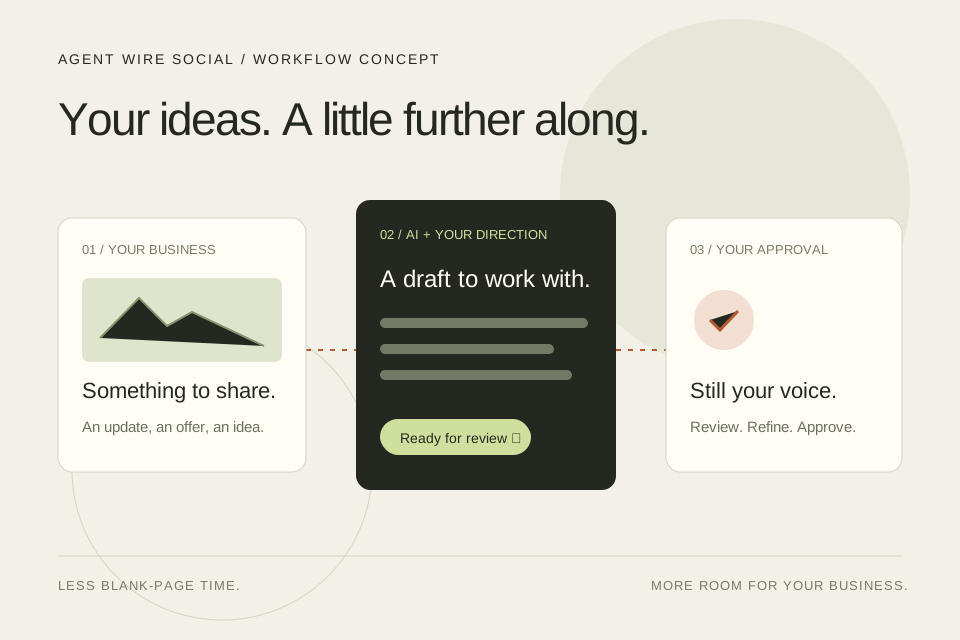
Busy owners and small teams who want a consistent social presence without starting from a blank page every week.
Your brief“We have a new fall collection. Keep the tone warm and simple.”
Agent Wire“Let’s use your collection details and brand guidance to draft a few post ideas.”
Your business update becomes a starting point instead of another blank page.
Less copying and chasing.More work moving forward.
Full Automation connects the everyday steps across your business tools. We map the workflow, use AI where it helps and build the connections that move information, trigger follow-ups and keep your team informed. Start with one process and expand from there.
Connect the steps you repeat
Move information between supported tools instead of entering the same details twice.
Use AI with a clear job
Summarize an inquiry, organize details or prepare a response inside a defined workflow.
Build in checks and handoffs
Agree on approval points, exceptions and the tasks that should stay with your team.
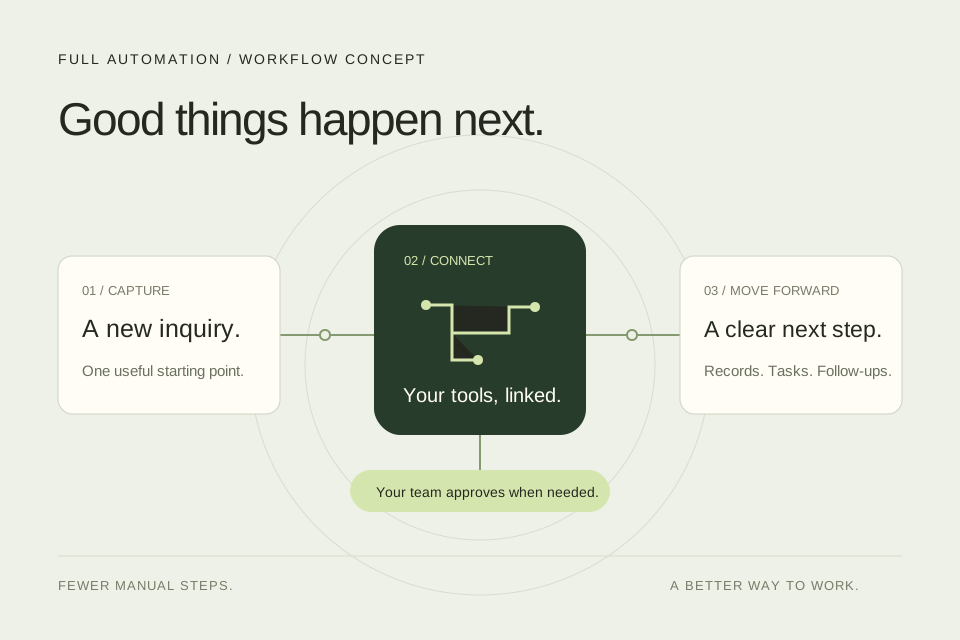
Teams spending too much time moving information between forms, inboxes, customer records and task lists.
Workflow trigger“A new inquiry arrives through your website.”
Agent Wire“Collect the contact details and summarize what the customer needs.”
The information is ready for the next step without manual copying.
More from Agent Wire
More ways to
help your customers.
Explore our sales and shopping assistants for more specialized needs.
Help customersfind the right fit.
Agent Wire Sales asks customers what they need and helps them compare your products or services. When they’re ready to talk to someone, your team gets their questions and contact details.
Find out what they need
Ask about budget, timing and what matters to the customer.
Compare suitable options
Use the product or service details you provide to explain choices and differences.
Prepare your team for a follow-up
Save the customer’s preferences, questions and contact details.

Car and RV dealers, real estate teams and businesses whose customers need help comparing options.
Customer“I’m looking for an RV, but I don’t know where to start.”
Agent Wire“Let’s start with how you’ll travel, how many people are coming and what you plan to tow with.”
The assistant learns how the customer plans to use the RV.
Looking for something?Help shoppers find it.
Add a shopping assistant to your online store. Customers can ask for a gift idea, describe what they’re looking for or compare a few products using your store’s product information.
Let shoppers ask in their own words
A customer can say “I need a gift under $50” instead of searching through every category.
Explain the differences
Compare sizes, materials and other product details from your store.
Help them get to the product page
Point shoppers to suitable products so they can check the details and buy through your store.

Online shops where customers could use help finding or comparing products.
Customer“I need a gift for someone who loves a cozy home.”
Agent Wire“Happy to help. What’s your budget, and do they prefer practical pieces or something decorative?”
The assistant asks a few questions to narrow down the options.
How we set it up
Your business.
A better workflow.
We define what the product needs to know, which tools it connects to and where your team stays involved.
Start with your business
Your information, brand guidance and existing processes shape the setup.
Connect the right tools
We confirm what can connect and test the steps your workflow needs.
Keep your team in control
We agree on approvals, handoffs and what should happen when a person needs to take over.
Common questions
Let’s make
it clear.
Here’s what to know before getting started.
Where should we start?
Tell us what’s getting missed or taking too much time: phone calls, social content, repeated data entry or follow-ups. We’ll help you choose a product and a useful first workflow.
Can this work with our existing tools?
We’ll check the tools you use and explain what can connect. That might include your Shopify store, product list or customer records. We confirm what’s possible before building.
Can it sound like our business?
Yes. We work with you on the wording, answers and brand direction. The visuals on this page are illustrative concepts, not actual app screens.
What happens when a person needs to take over?
We agree on what the assistant should handle and when it should leave a question for your team. It can collect the customer’s details and reason for getting in touch so someone can follow up.
How do we get a demo or pricing?
Tell us what you’d like help with and which tools you use. We’ll talk through the setup, show you what’s relevant and explain the cost for the work involved.
Need a hand choosing?
What could you
take off your plate?
Tell us what takes up your time. We’ll find a useful place to start with AI and automation.